![XUno logo White with border.png]](https://docs.xuno.com.au/hs-fs/hubfs/XUno%20logo%20White%20with%20border.png?height=35&name=XUno%20logo%20White%20with%20border.png)
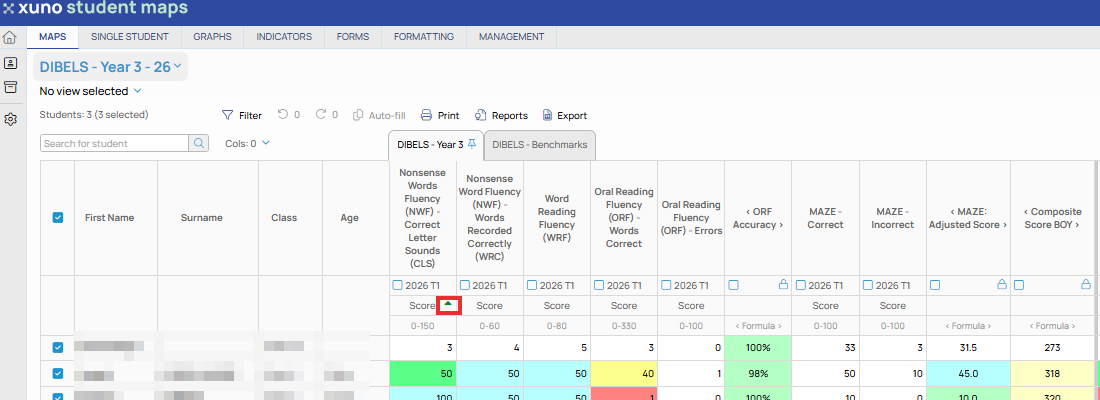
• Once a map is opened, you can sort the map by any column.
• Simply click in the column heading to select the column, and that column will be sorted in the direction of the arrow shown in the heading.
• Click the same header again to sort the map in the opposite order.
• You can sort on student names, classes, date of birth, current age or any assessment, indicator, attachment, or comment column.