![XUno logo White with border.png]](https://docs.xuno.com.au/hs-fs/hubfs/XUno%20logo%20White%20with%20border.png?height=35&name=XUno%20logo%20White%20with%20border.png)
Students in the Student Maps database are automatically archived when they leave the school, which is done by importing a current student list either automatically from Xuno or via a student import. Any students not in this student list being imported will be archived. This means that all their personal details, assessment data in any map and any attachments or learning plans will not be shown in a student map or the list of learning plans. Archived students and their associated data are never deleted, so you can always access this archived information at any time in the future. If you require access to this archived data, for example a reprint of a student report or learning plan, you can easily access these archived students in Student Maps.
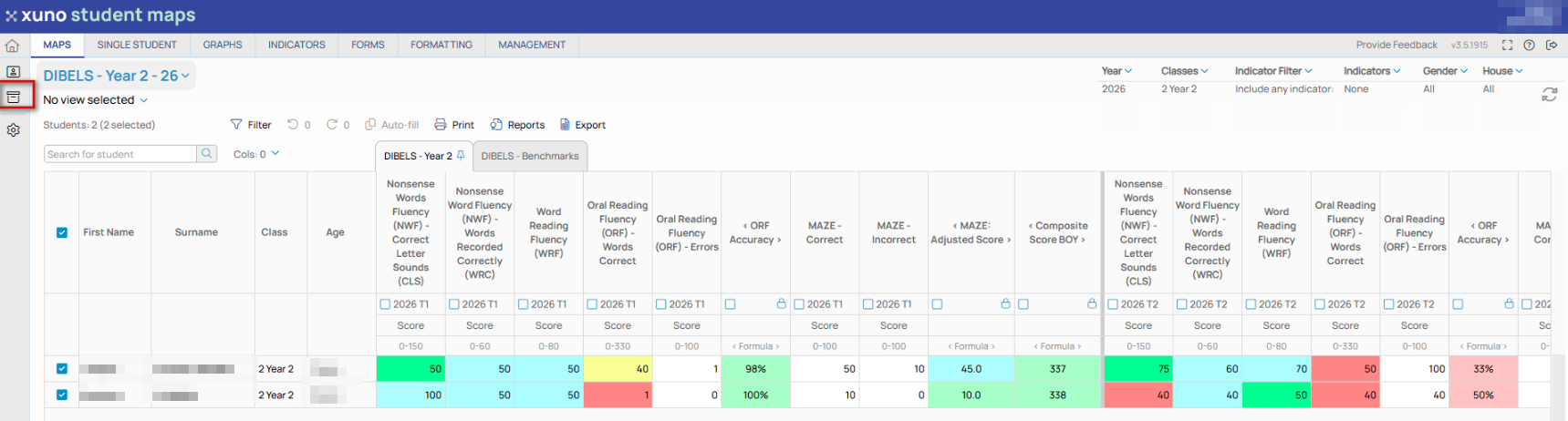
• Tick the Archived checkbox above a student map.
• Any archived students who were in the selected year and classes will then be displayed along with the active students in that selected year and classes.
• To hide all archived students, untick the Archived check box above the student map.
• Archived students are shown in the student list along with active students. Archived students have their name crossed out and shown in a lighter grey, making these archived students easy to identify.
• You cannot edit any data of an archived student. Their data in any map will be visible but noneditable, even if that map column is set to allow edits.
• You can reprint reports, generate graphs, and view comments and attachments of archived students, but none of this information will be editable.
• You can open any previous ILP for that archived student and can reprint the ILP, but as with maps, no changes can be made to this ILP.
• If an archived student returns to the school and is changed from archived to active during the import process, then all their data is again editable as they are now an active student.
• You can archive or restore individual students manually if required via the GradeXpert desktop application.