![XUno logo White with border.png]](https://docs.xuno.com.au/hs-fs/hubfs/XUno%20logo%20White%20with%20border.png?height=35&name=XUno%20logo%20White%20with%20border.png)
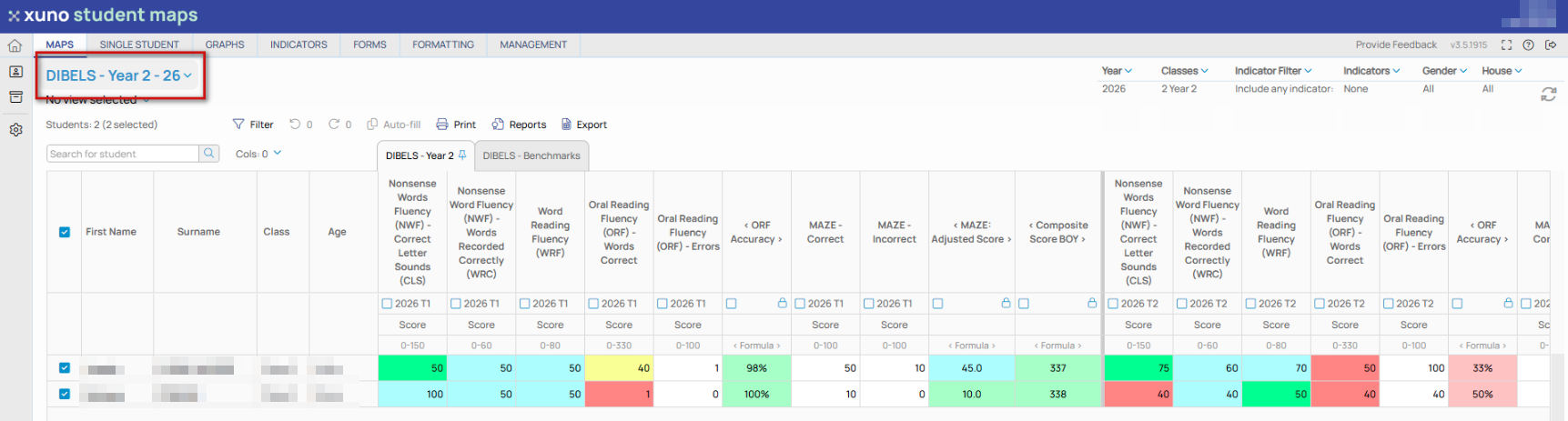
Only the maps that you have been given access to will be displayed for you to be able to open. The currently selected map name is shown at the top of the map.
• Select a map by clicking current map name and the list of available maps will be displayed.
• Once you have selected a map to display, the map will be opened and map data for the selected classes will be displayed.