![XUno logo White with border.png]](https://docs.xuno.com.au/hs-fs/hubfs/XUno%20logo%20White%20with%20border.png?height=35&name=XUno%20logo%20White%20with%20border.png)
Administrators will have access to all maps. If the user is not an administrator and wants to view the map, then the admin can provide access by following these steps.
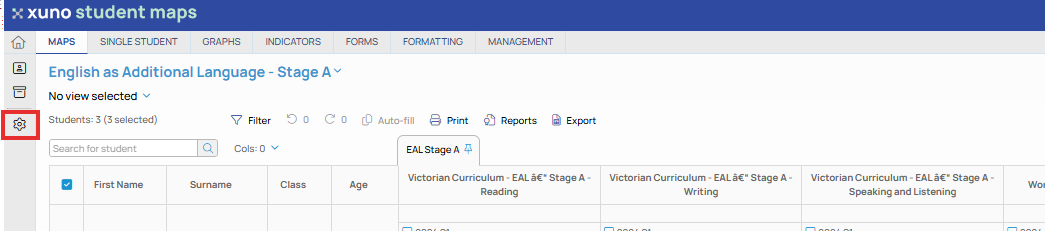
Click on the edit map layout button on the left panel
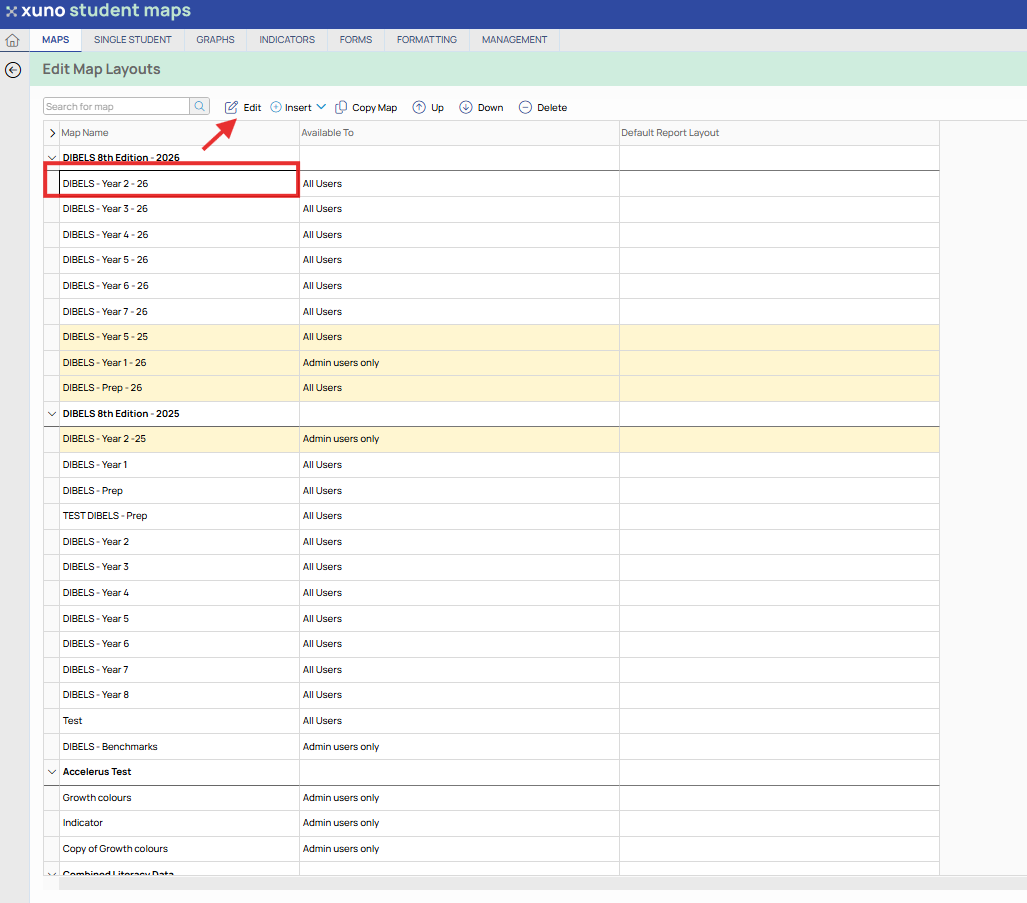
Select the map that you would like to give the users access to and either Double click or select the Edit button
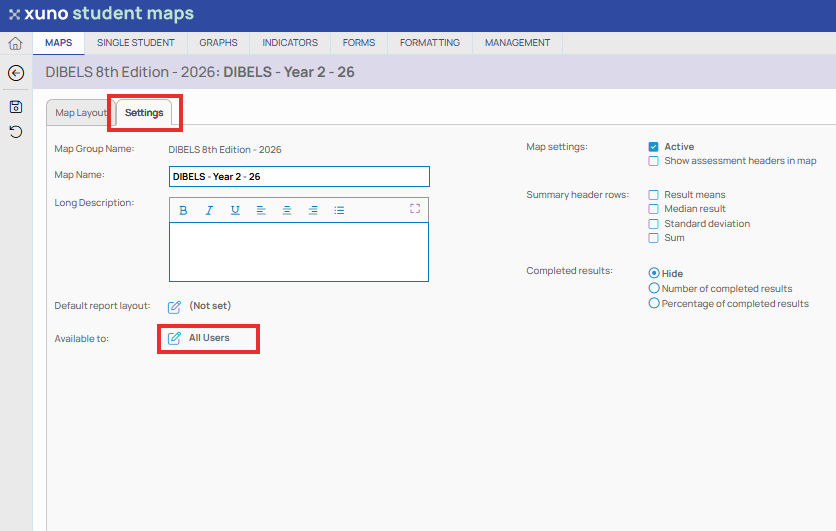
Go to the settings tab and click on the Available to tab
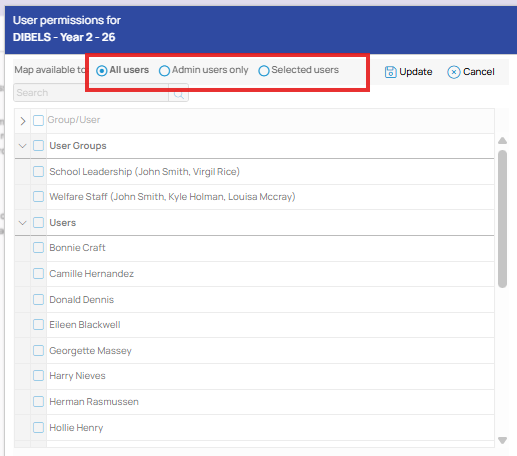
Here you can provide access to All users, Admin Users only or Selected users. If you choose Selected users then we will need to make sure the required teachers are selected.