![XUno logo White with border.png]](https://docs.xuno.com.au/hs-fs/hubfs/XUno%20logo%20White%20with%20border.png?height=35&name=XUno%20logo%20White%20with%20border.png)
If you want to pin (or freeze) one or more columns in a map page so that they stay visible while scrolling right, use the Pin Columns option.
• Student details such as names, classes and ages are always pinned, however this feature allows you to also pin actual data columns in a map page.
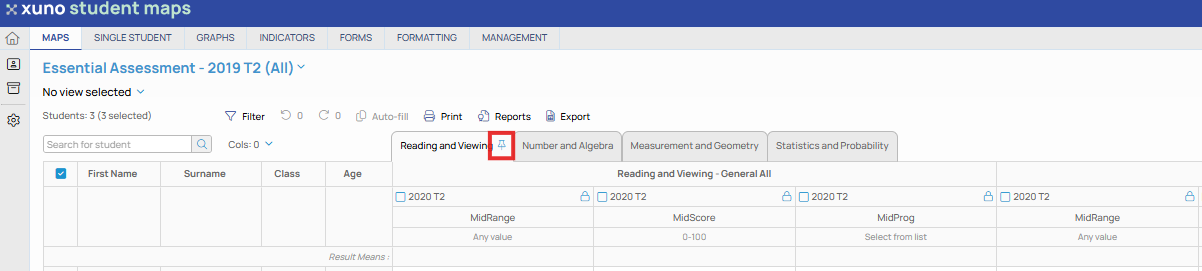
• Each tab or page on a map has a Pin icon. This allows you to pin several leftmost columns on each page.
• When you click this Pin icon on a map tab, you can then select the number of leftmost columns you want to pin on this map page.
• Once selected, scrolling the map page to the right will keep those columns permanently in view.
• To remove pinned columns, click the Pin icon again and select 0 from the drop-down list of columns.