![XUno logo White with border.png]](https://docs.xuno.com.au/hs-fs/hubfs/XUno%20logo%20White%20with%20border.png?height=35&name=XUno%20logo%20White%20with%20border.png)
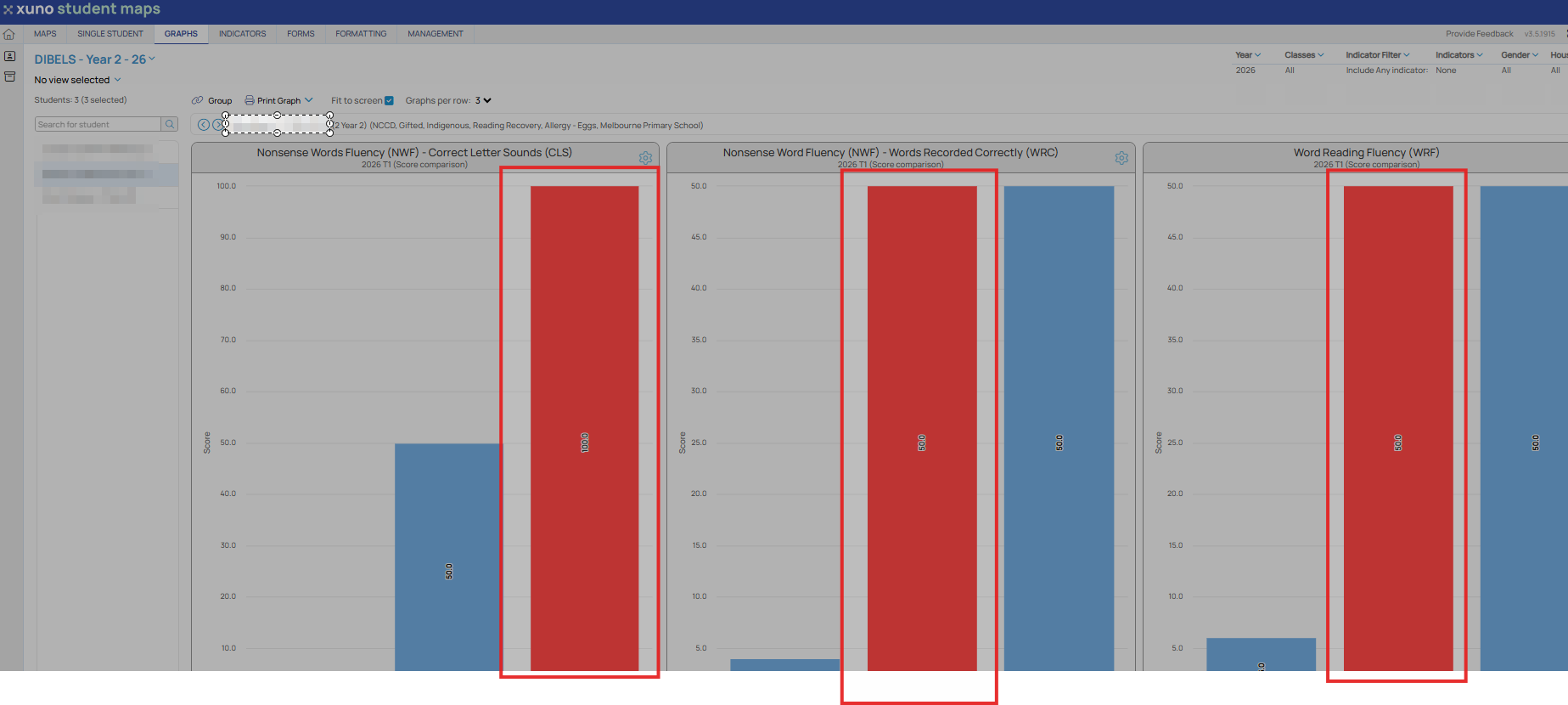
If you have multiple comparison graphs shown, you can click on any bar on the comparison chart to highlight that same student’s results in any other graph you are displaying.
• That same student’s results in the other comparison graphs will be shown as a single red bar. If any of the other graphs are showing progress over time for a student, then that graph will be updated to show progress over time for the selected student.
• This is a shortcut to selecting a student from the student list to the left of all graphs.