![XUno logo White with border.png]](https://docs.xuno.com.au/hs-fs/hubfs/XUno%20logo%20White%20with%20border.png?height=35&name=XUno%20logo%20White%20with%20border.png)
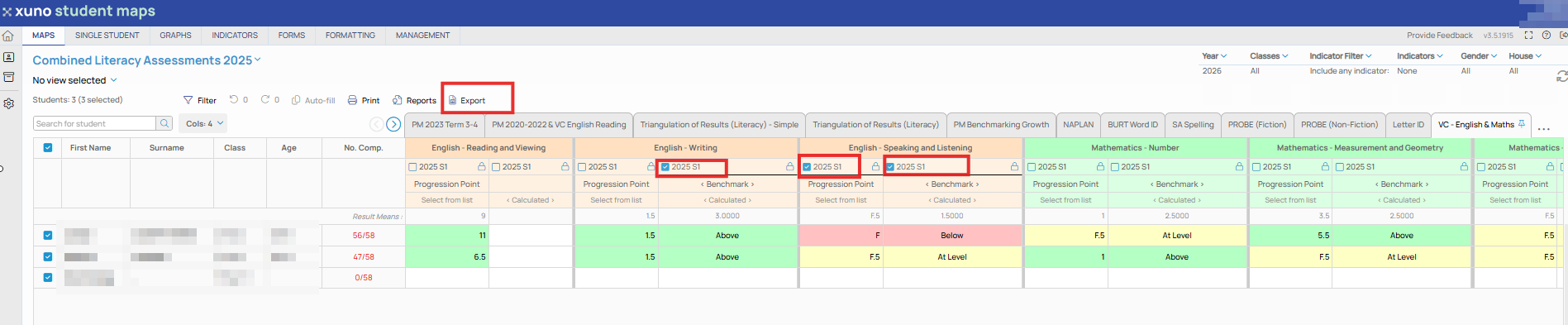
In the same way that you select any set of columns in a map to graph, you can select any set of columns to export to Excel.
• Once you have selected the columns you wish to export, click the Export button above the map, and an Excel file containing all the data in the selected columns will be downloaded.
• The exported Excel file includes colour coding of data and assessments, as well as any mean, median, standard deviation, or sum of column values for each set of results. You can then use this Excel file to import this data into other systems or to work with this data in Excel.