![XUno logo White with border.png]](https://docs.xuno.com.au/hs-fs/hubfs/XUno%20logo%20White%20with%20border.png?height=35&name=XUno%20logo%20White%20with%20border.png)
Enter Comments
• If a map has been set up to allow comments to be entered, for example teacher comments for reports, or teacher observations for a specific assessment, the column heading will show “Comments”.
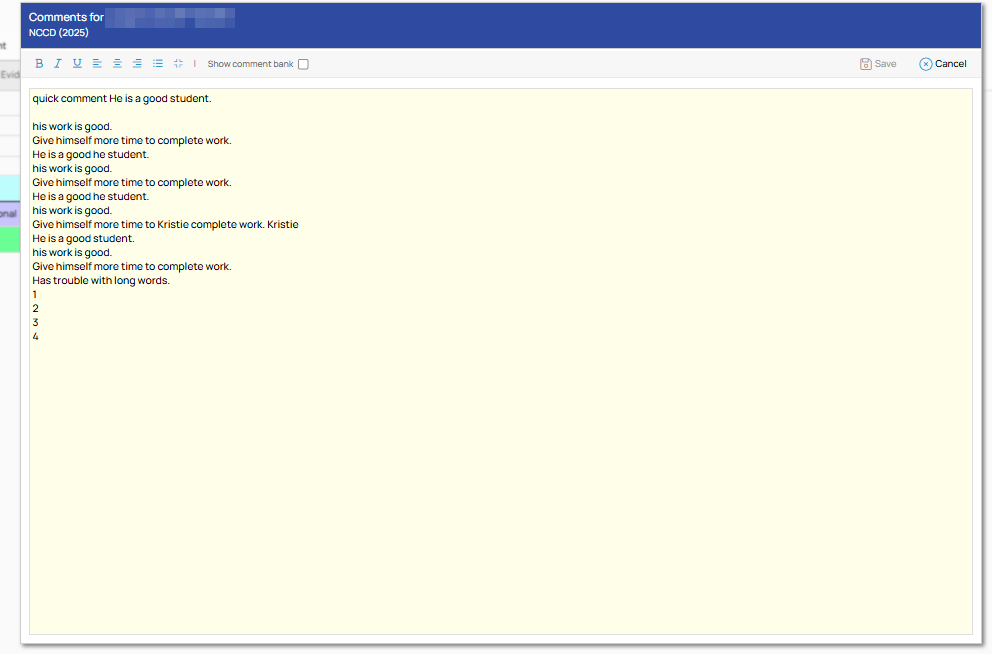
• When clicking in a comment cell, you can start typing comments, which will open a small comments entry window. You can apply formatting such as bold, underline, italic, bullets and alignment.

• You can change to a larger comment entry screen to see more of that comment by clicking the square icon in the top right corner of the smaller comment entry screen.