![XUno logo White with border.png]](https://docs.xuno.com.au/hs-fs/hubfs/XUno%20logo%20White%20with%20border.png?height=35&name=XUno%20logo%20White%20with%20border.png)
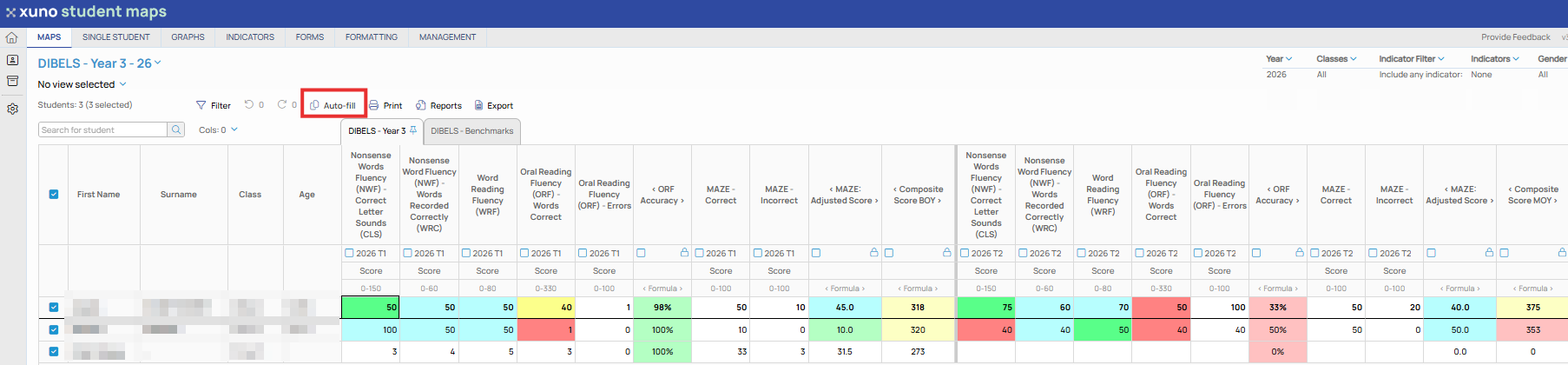
• If you want the same result or value added to all students in the list, you don’t need to re-type the same value for all students.
• Simply enter it once, and then click the Auto-fill button above the map to copy that result in that cell to all other students in the list for that assessment.
• If any results have already been entered for those students, you will first be prompted to either overwrite the existing results with the new result, or to just copy the new result to empty cells, where no result has been entered previously. The second option will preserve any existing data in that column.