![XUno logo White with border.png]](https://docs.xuno.com.au/hs-fs/hubfs/XUno%20logo%20White%20with%20border.png?height=35&name=XUno%20logo%20White%20with%20border.png)
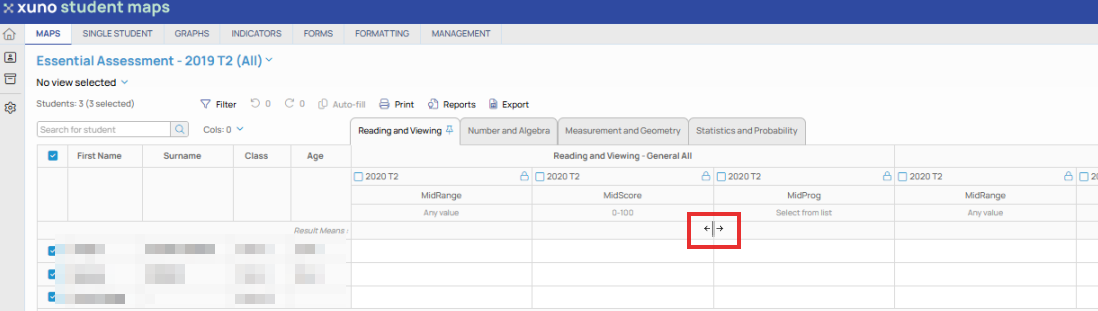
• You can make any column wider or narrower by hovering the mouse over the column divider in the header row and then clicking and dragging that column to make it wider or narrower.
• Column widths are always reset when re-opening the map or selecting a new map.
• Default column widths for each result type are defined in the map layout and can be changed in the GradeXpert desktop application.