![XUno logo White with border.png]](https://docs.xuno.com.au/hs-fs/hubfs/XUno%20logo%20White%20with%20border.png?height=35&name=XUno%20logo%20White%20with%20border.png)
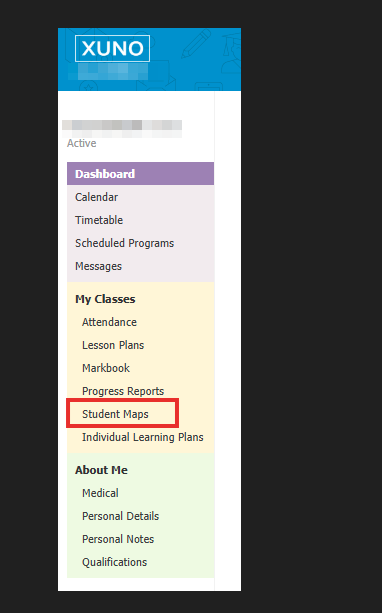
• To open your Student Maps when you are in Xuno, click Student Maps at the bottom of the lefthand side menu in Xuno after you have logged in as a staff member.
• You can also access your maps directly by logging in to your maps from the link below, using your school code, Student Maps username and password.
https://studentmaps.xuno.com.au/
• Once you have opened the maps screen, the last-used map, last selected classes and filters will be automatically selected. This is a per-user setting.